Student Resources
Where Are The Best Places To Start?
Welcome to the Center for Career and Professional Development at Western Carolina University! We are here to help you find potential resources, gain skills, and plan your future career path. Please see below for some potential places to start. Remember, you can always reach out to us at 828-227-7133, careerservices@wcu.edu, or visit us in our office in the Reid Building, Room 150. We are on the back side of the building, and our entrance faces the small, metered parking lot (Lot 30).
Get lost? You can now GPS the Center for Career and Professional Development using your favorite GPS app! Or, give us a call at 828-227-7133.




Download the Job Cat App (Symplicity)


Additional CCPD Services
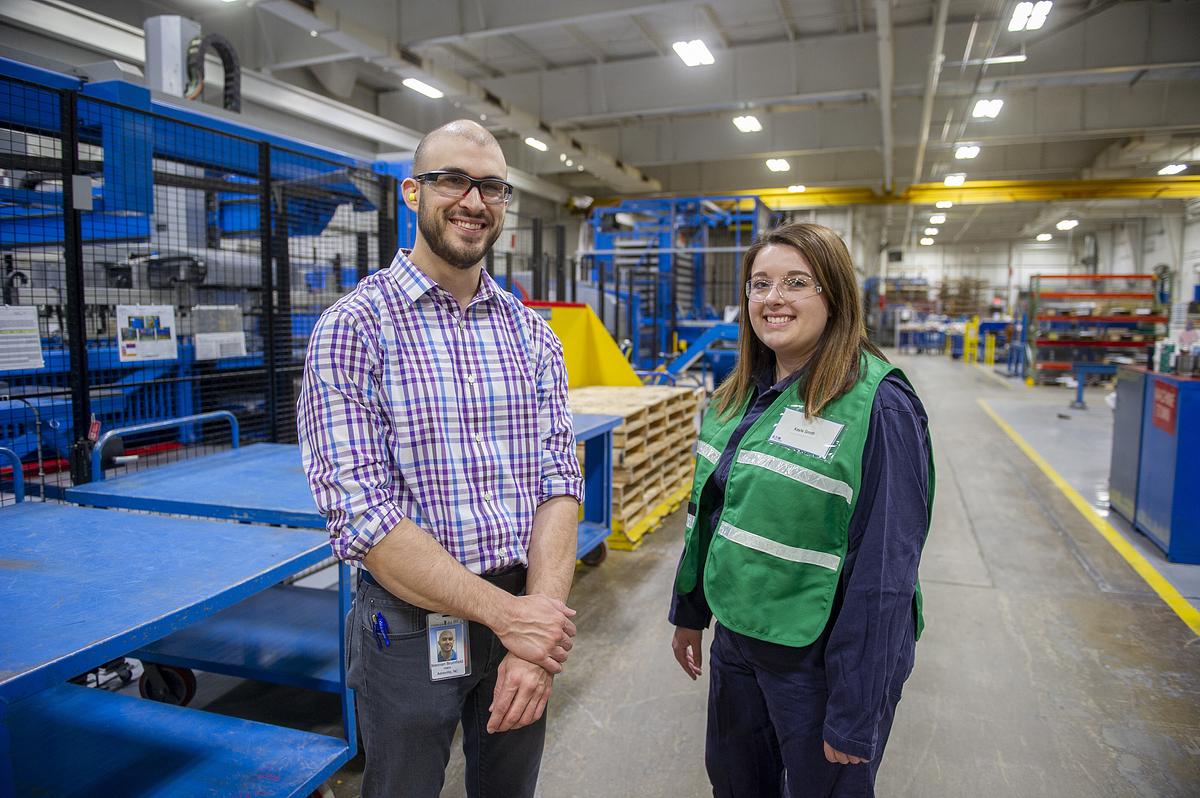
DegreePlus helps you grow your professionalism, strengthen real鈥憌orld skills, and confidently talk about what you can do. Through skill-focused workshops and hands鈥憃n experiences, you鈥檒l learn how to show up, stand out, and succeed in professional settings.
Program includes: 10 required foundational workshops, A semester鈥憀ong skills experience, A mock interview using Big Interview software
Why DegreePlus?
Because your degree shows what you learned鈥擠egreePlus helps you show how you鈥檙e ready.
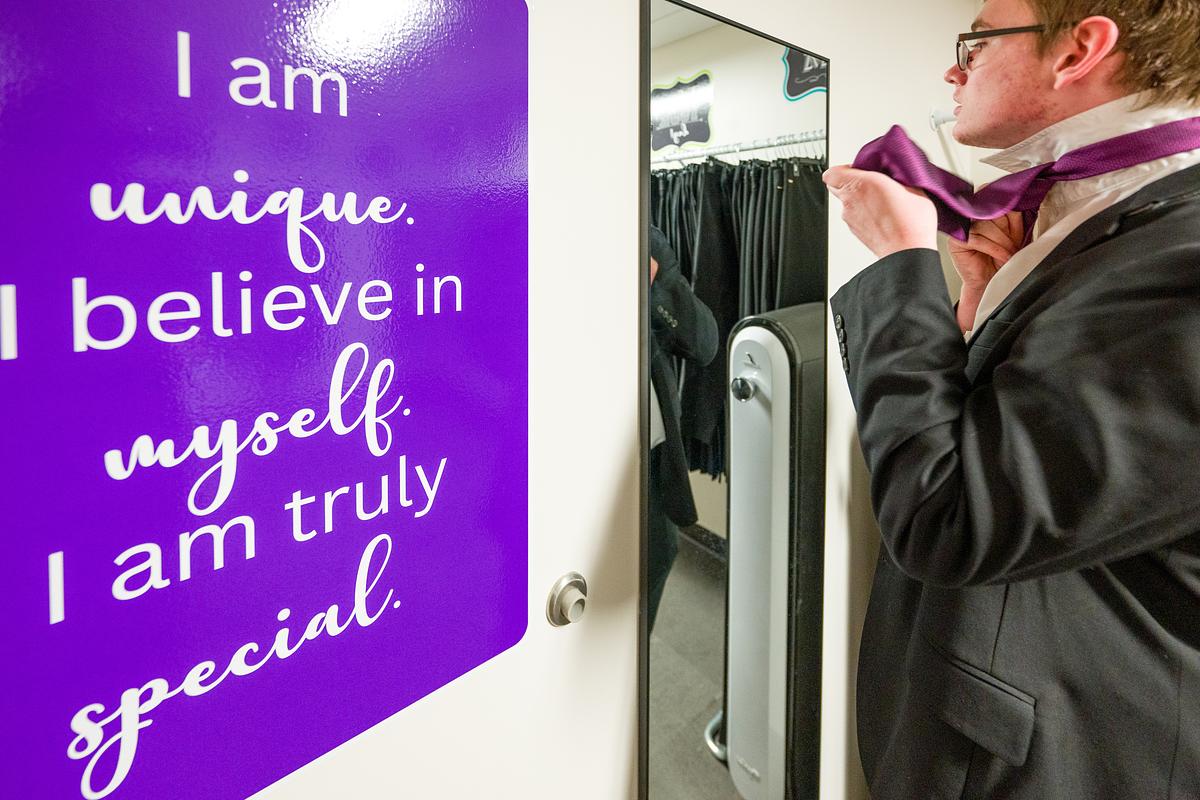
You can also use our Iris Photo Booth to take headshots and passport photos to present your most professional image. The photo booth is open Monday through Friday from 8:00 am to 5:00 pm.


Downloadable Resources
Often, the most important step toward securing your first job is a professional resume and effective cover letter that showcases what you can add to the organization where you hope to work. Don't underestimate the importance of a carefully written and professionally presented package. Please see our list of resume examples below that you can download and edit.
NOTE: All samples appear in our online Resume Guide. Download and customize them to fit your needs and career goals.
- Resume Example 1
- Resume Example 2
- Resume Example 3
- Resume Example 4
- Resume Example 5
- Resume Example 6
- Resume Example 7
- Resume Example 8
- Resume Example 9
- Federal Resume Example
NOTE: The samples above are just that -- samples. Feel free to use any style of resume and tweak the content to fit your needs. For example, if the sample style you like the best doesn't have a section for internships, then you'll need to add in a section for internships. Case in point: Download any of these samples and make them your own!)
Often, the most important step toward securing your first job is a professional resume and effective cover letter that showcases what you can add to the organization where you hope to work. Don't underestimate the importance of a carefully written and professionally presented package. Below are cover letter examples. Use the example that matches the resume sample you have chosen so that the two documents match.
- Cover Letter Example 1(matches Resume Example 1)
- Cover Letter Example 2(matches Resume Example 2)
- Cover Letter Example 3(matches Resume Example 3)
- Cover Letter Example 4(matches Resume Example 4)
- Cover Letter Example 5(matches Resume Example 5)
- Cover Letter Example 6(matches Resume Example 6)
- Cover Letter Example 7(matches Resume Example 7)
- Cover Letter Example 8(matches Resume Example 8)
- Cover Letter Example 9(matches Resume Example 9)
NOTE: The samples above are just that -- samples. Feel free to use any style of resume and tweak the content to fit your needs. For example, if the sample style you like the best doesn't have a section for internships, then you'll need to add in a section for internships. Case in point: Download any of these samples and make them your own!)
Don't wait until you are ready to graduate to explore the types of careers/jobs WCU's majors will prepare you for. The staff at the Center for Career and Professional Development is always willing to discuss the various majors and career paths with students. Want to create your own map? Download a blank fillable PDF to plan your time at WCU!
We offer a professional assesment through our (access code: Catamount) to help you learn about your skills, abilities, and interest and how they match to careers and majors.
The websites for each of the colleges at 蘑菇短视频provide valuable information and links to other major-specific informational websites.
- Accounting
- Anthropology
- Biology
- Business Administration and Law
- Chemistry
- Communication
- Communication Sciences & Disorders
- Computer Information Systems
- Computer Science
- Construction Management
- Criminal Justice
- Economic Analysis
- Electrical and Computer Engineering Technology
- Electrical Engineering
- Elementary/Middle Grades Education
- Emergency Disaster Management
- Emergency Medical Care
- Engineering
- Engineering Technology
- English
- Entrepreneurship
- Environmental Health
- Environmental Science
- Film and Television Production
- Finance
- Forensic Science
- Geology
- Graphic Design
- History
- Hospitality and Tourism
- Integrated Health Sciences
- Interior Design
- International Studies
- Management
- Marketing
- Mathematics
- Music
- Natural Resource Management
- Nursing
- Nutrition and Dietetics
- Parks and Recreation Management
- Philosophy
- Political Science
- Psychology
- Recreational Therapy
- Secondary Education
- Social Work
- Sociology
- Spanish
- Special Education
- Sport Management
- Stage and Screen
- Studio Art
Please use these worksheets to help you start on your career preparation journey.
Please see below for resources and websites that would be helpful in your career preparation. The first link for Major Specific, Remote, and Affiliation Group Websites includes a long list of possible resources that may be helpful depending on your major or affinity group.
Websites
- Major Specific, Remote, and Affiliate Group Website Links
- (Mini-Internships & Short-Term Project Work)
- (Employment Data From NC)
Resources
Relevant Links
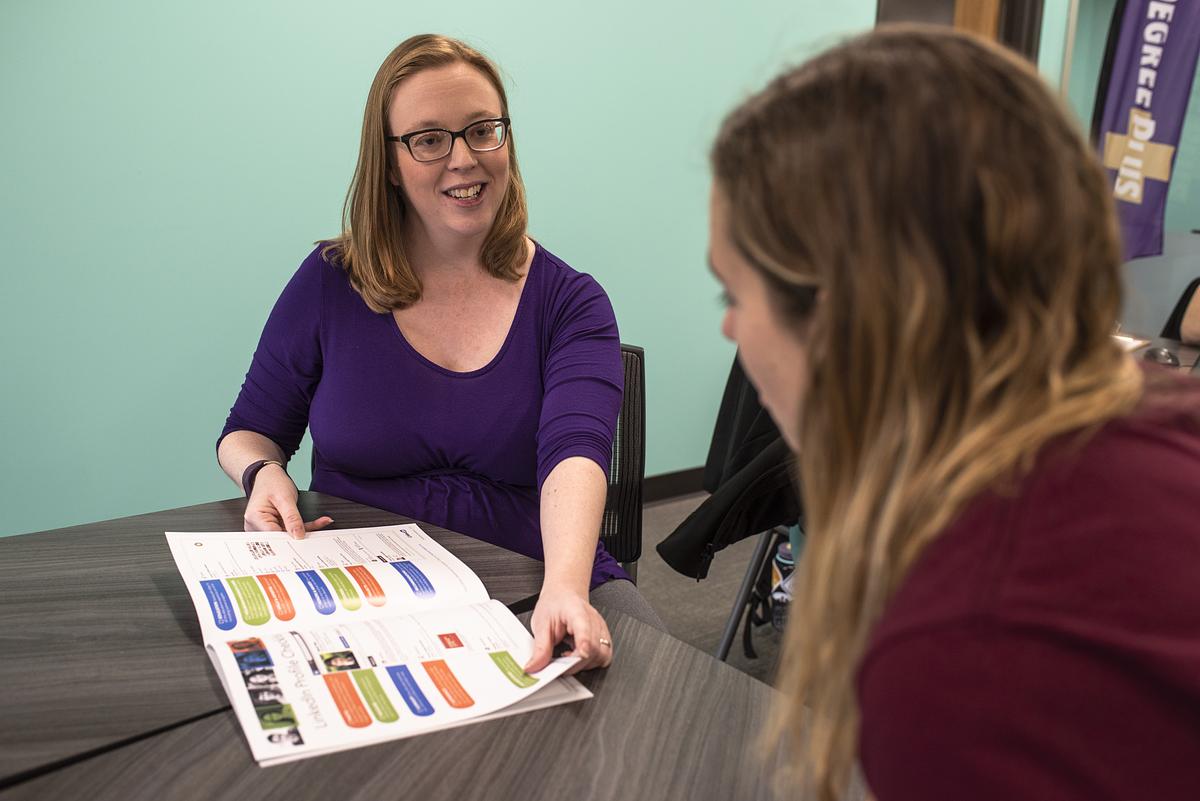
Meet our staff and learn about the appointments and services we offer!
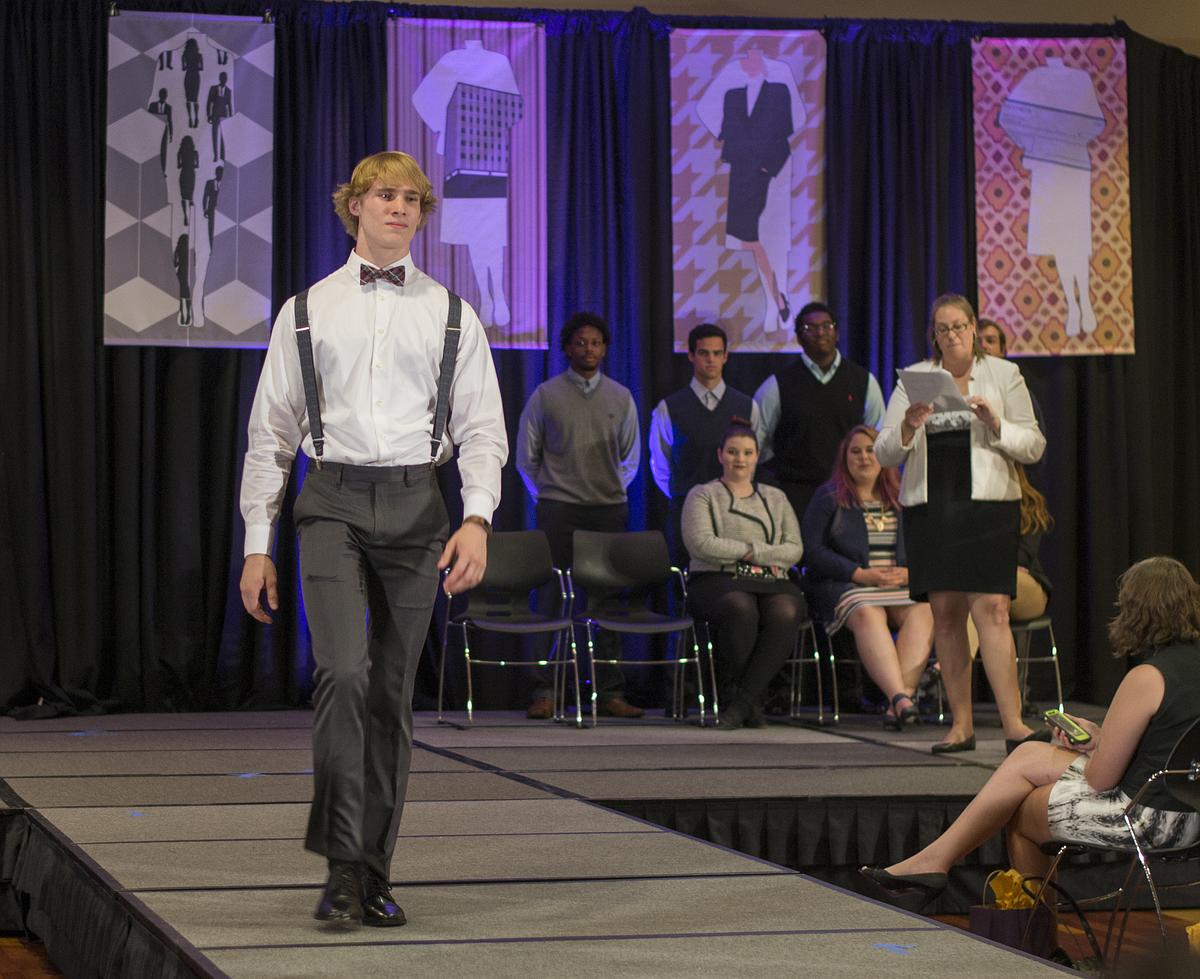
Join us for workshops, information sessions, tabling events, and more!